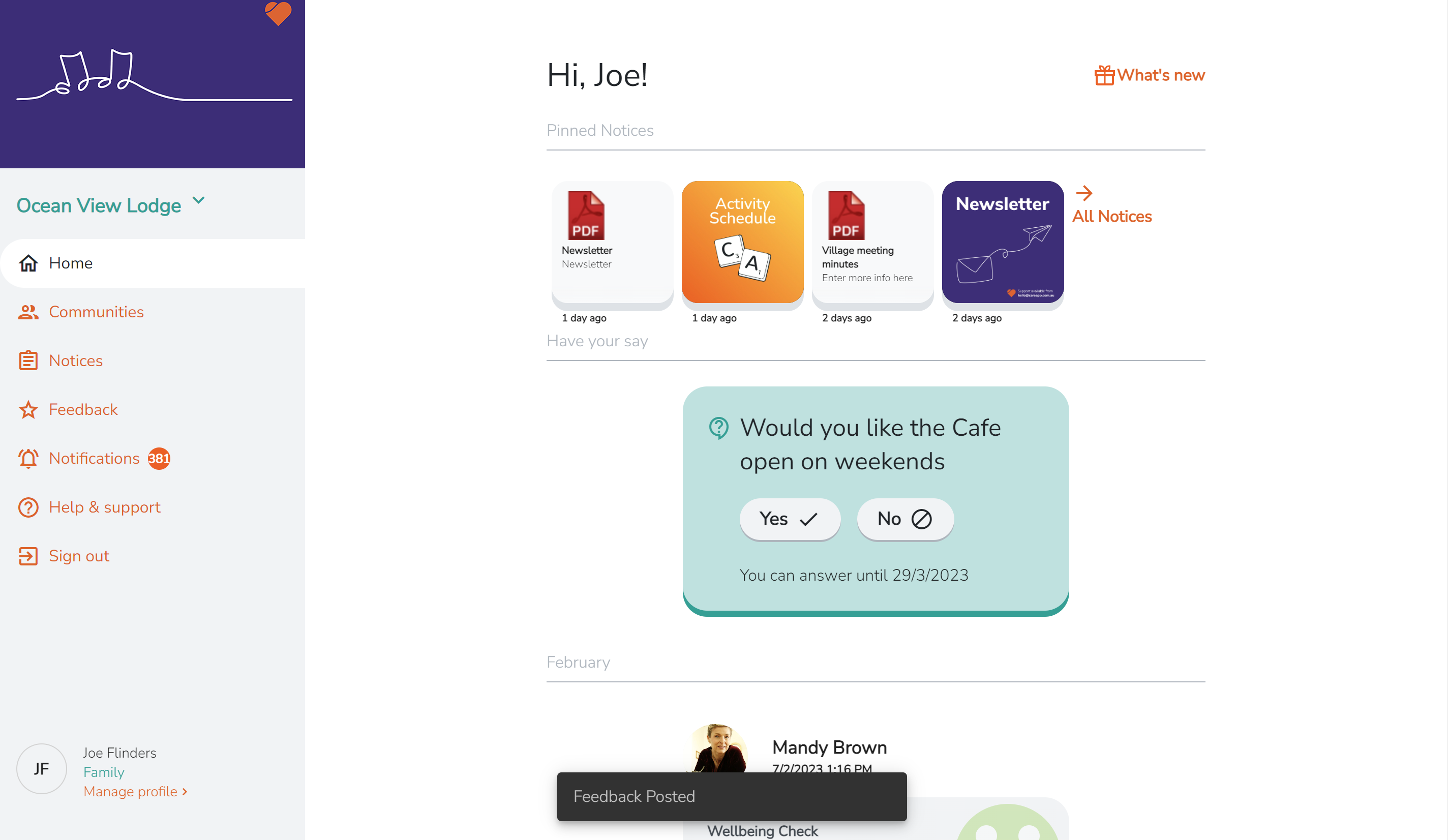
If your provider has enabled feedback, you can leave a note at any time, whether that's a suggestion, a request, or a note of thanks to your care team.
Your feedback is visible to the site coordinators and administrators at your care provider.
Select your device below to get started.
Mobile & tablet
- Tap the menu icon (three lines) in the top left of your screen.

- Select Leave Feedback.

- Choose a star rating out of five.
- Type your message in the comment box.
- Tap Send in the top right corner.

A confirmation will appear once your feedback has been submitted.
DeleteWeb
- Select Feedback from the left-hand menu.

- Choose a star rating out of five.
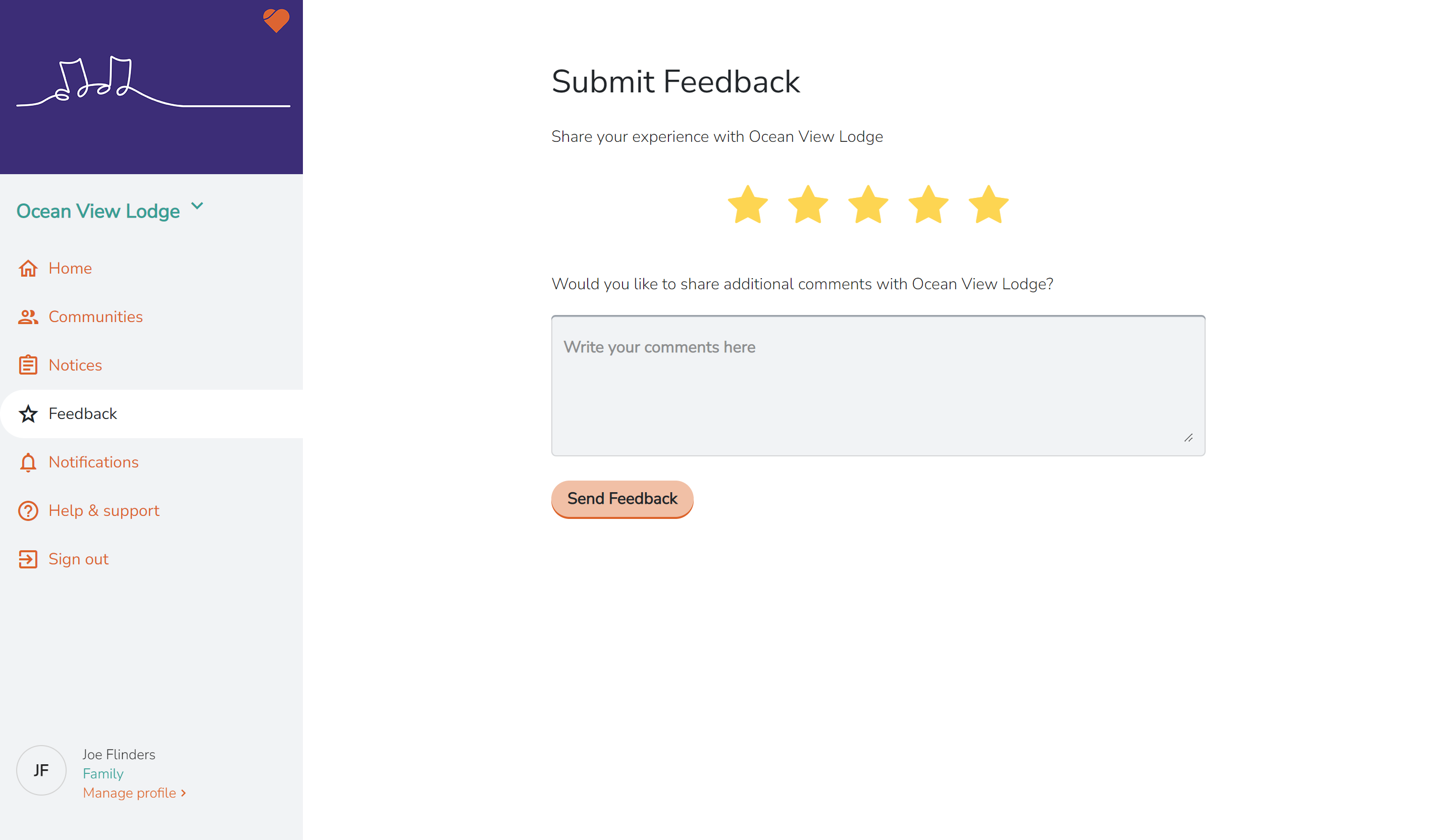
- Type your message in the comment box.
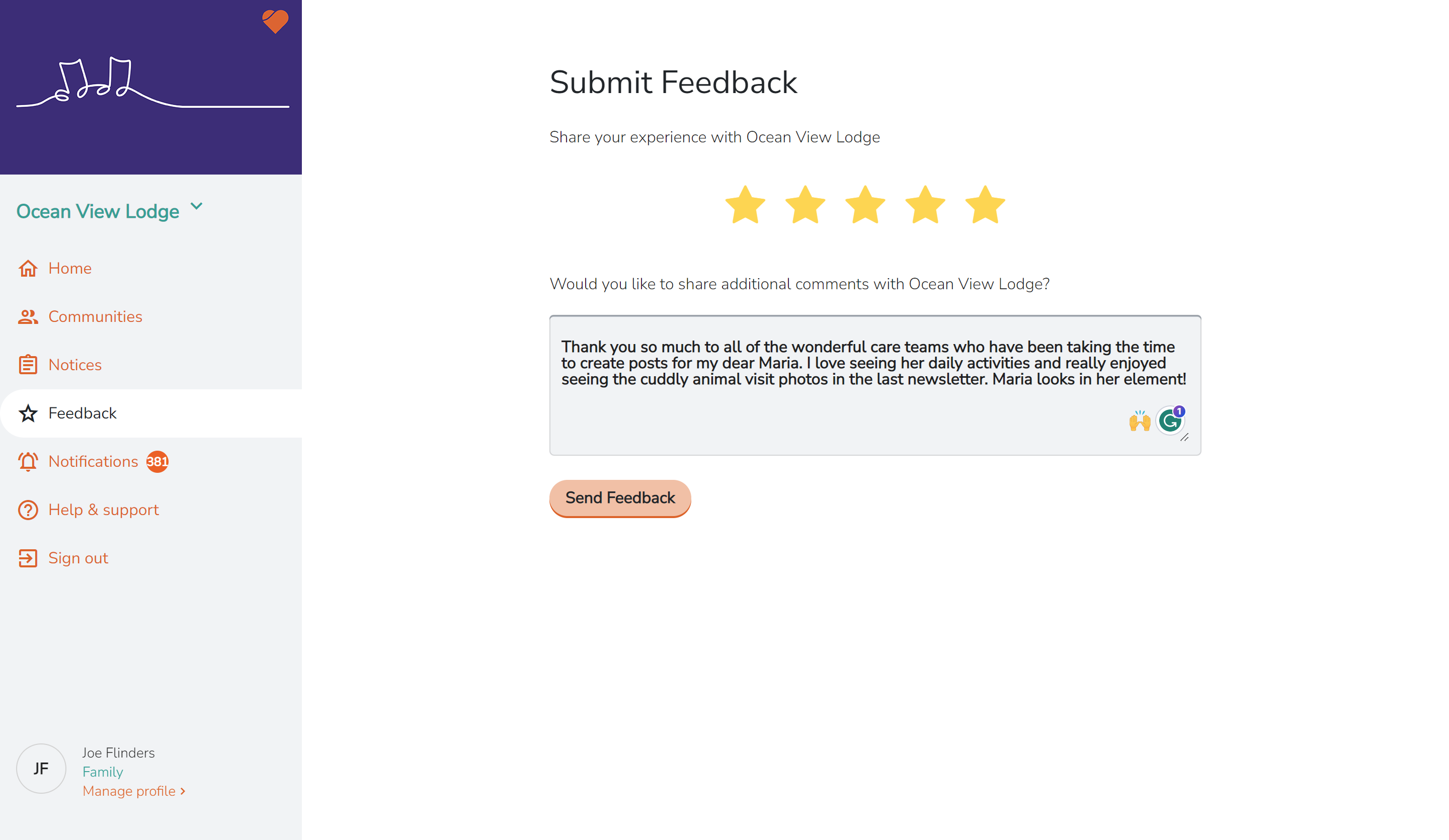
- Click Send Feedback.