
Seeing who is connected to a participant's care is simple.
If you have a Provider Administrator, Site Coordinator, or Team Member account, you can easily view who is part of a Customer’s community.
The community includes all staff accounts, family accounts, and customer login accounts connected to the Customer’s profile.
Mobile
- Tap the 'Customers' tab at the bottom of the screen.
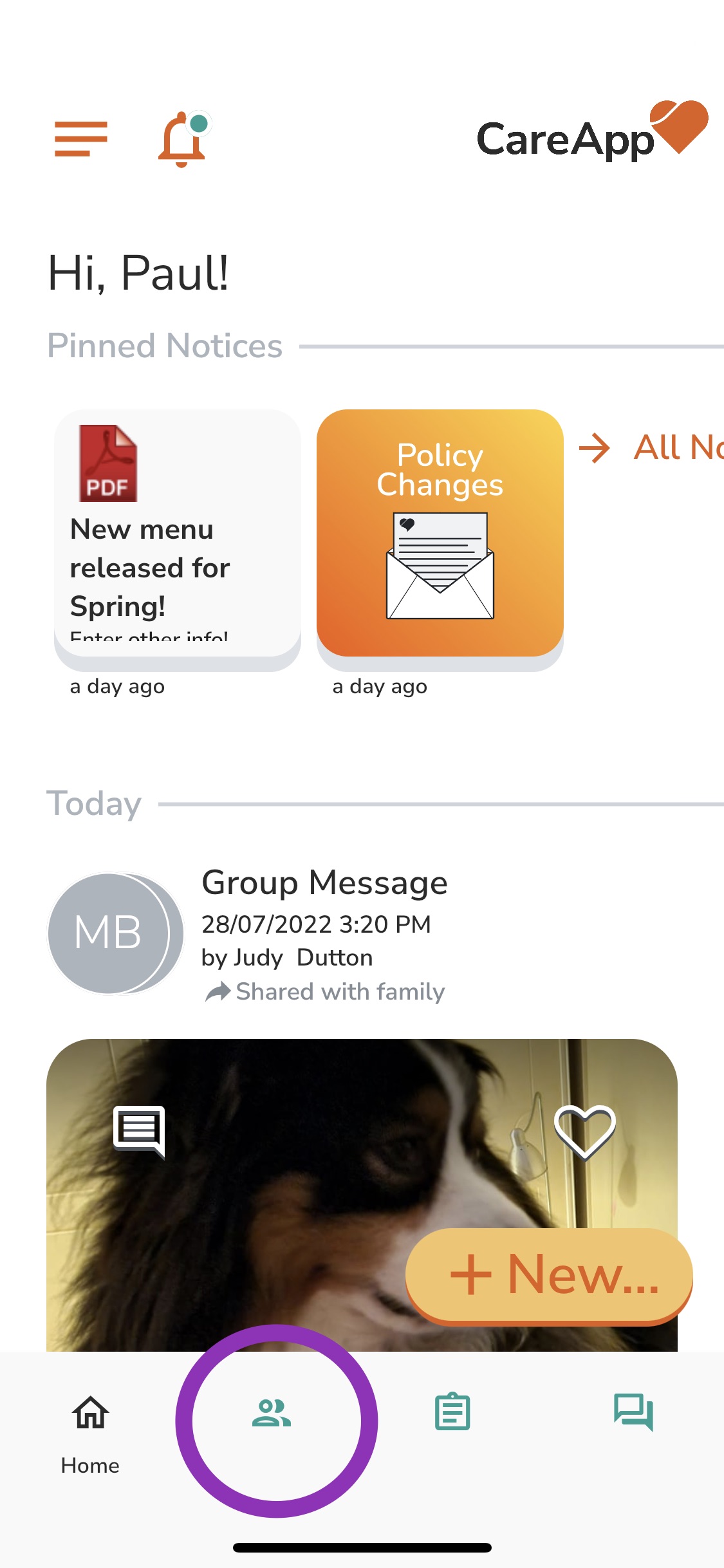
- Search for the customer by entering their name into the 'Filter' search bar or by scrolling down the customer list until you find their name.
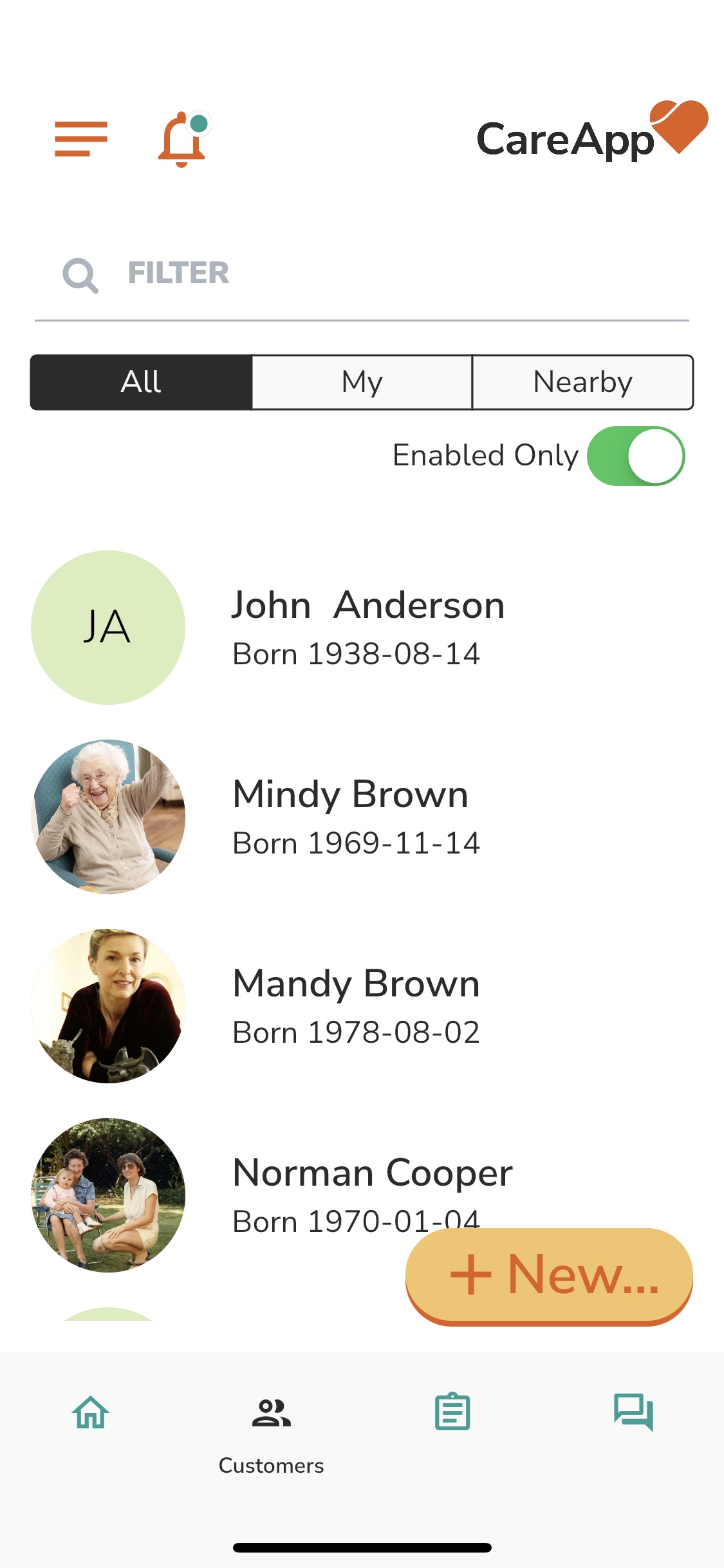
- Tap the customer's name to access their profile.
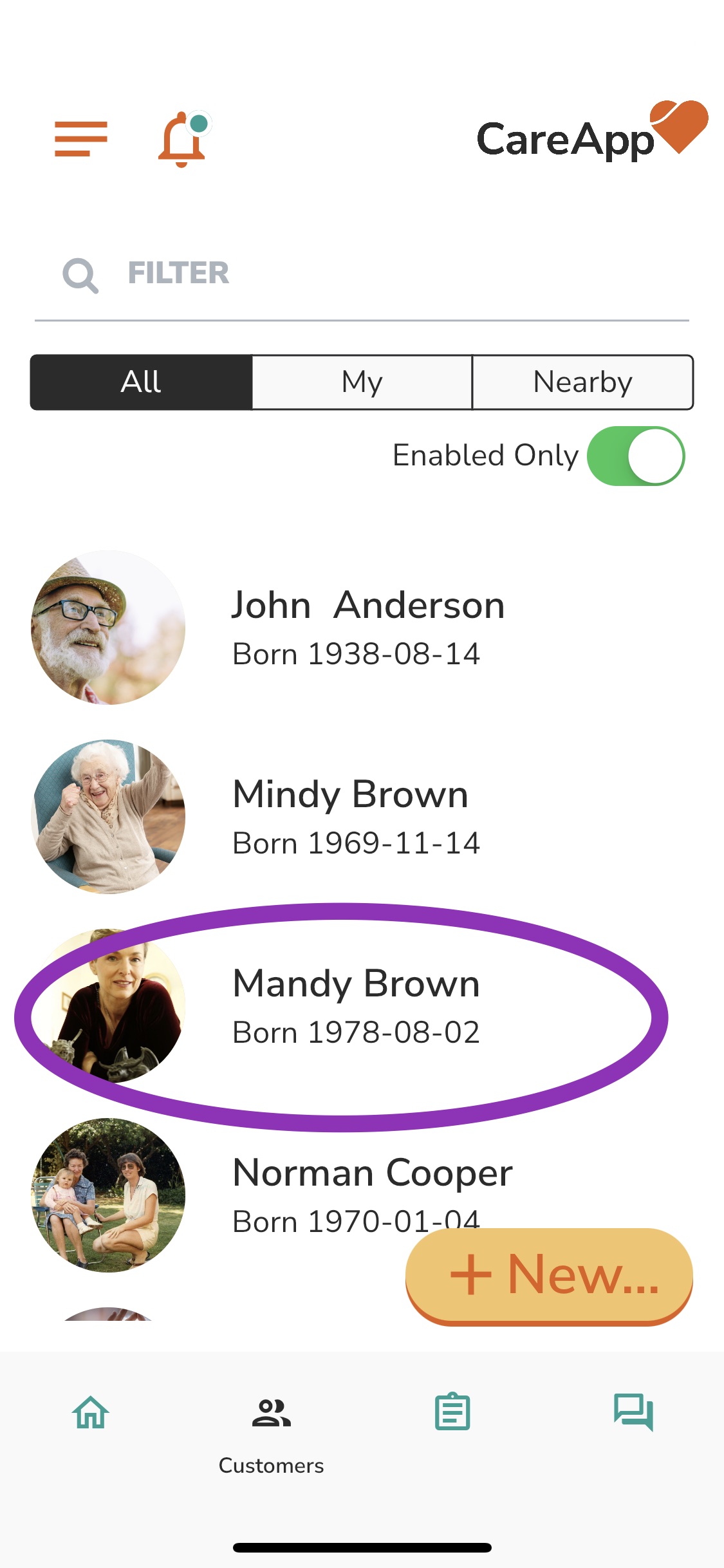
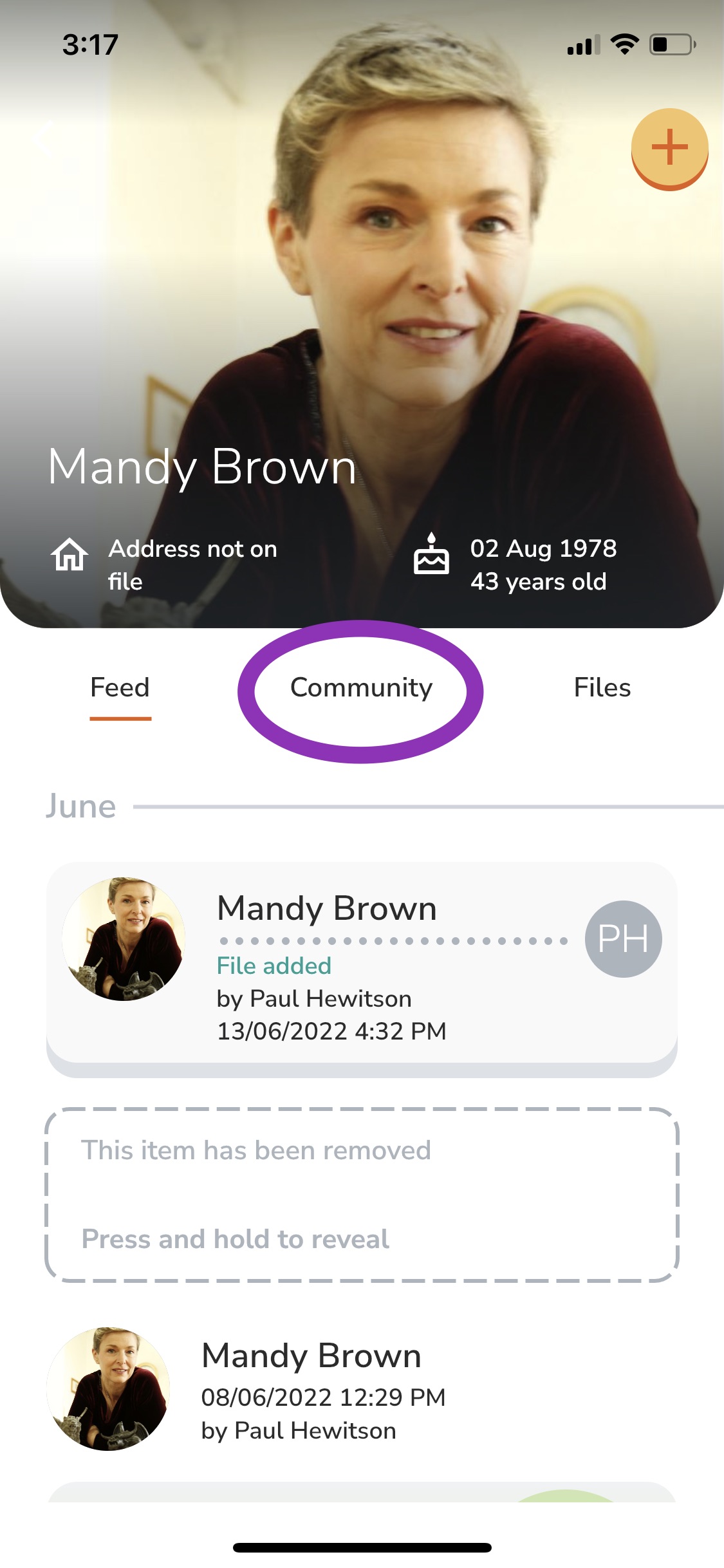
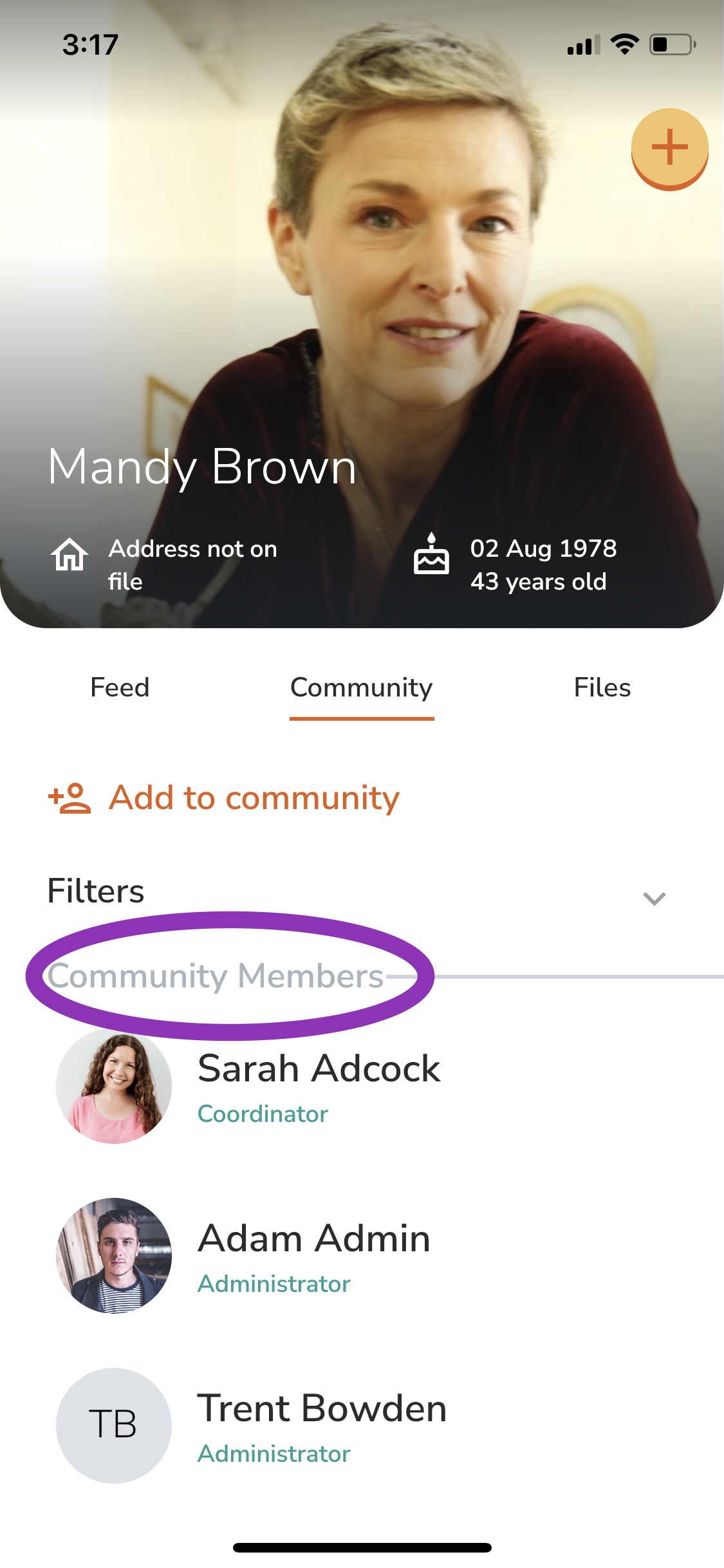
- In the customer profile tap on the 'Community tab'.
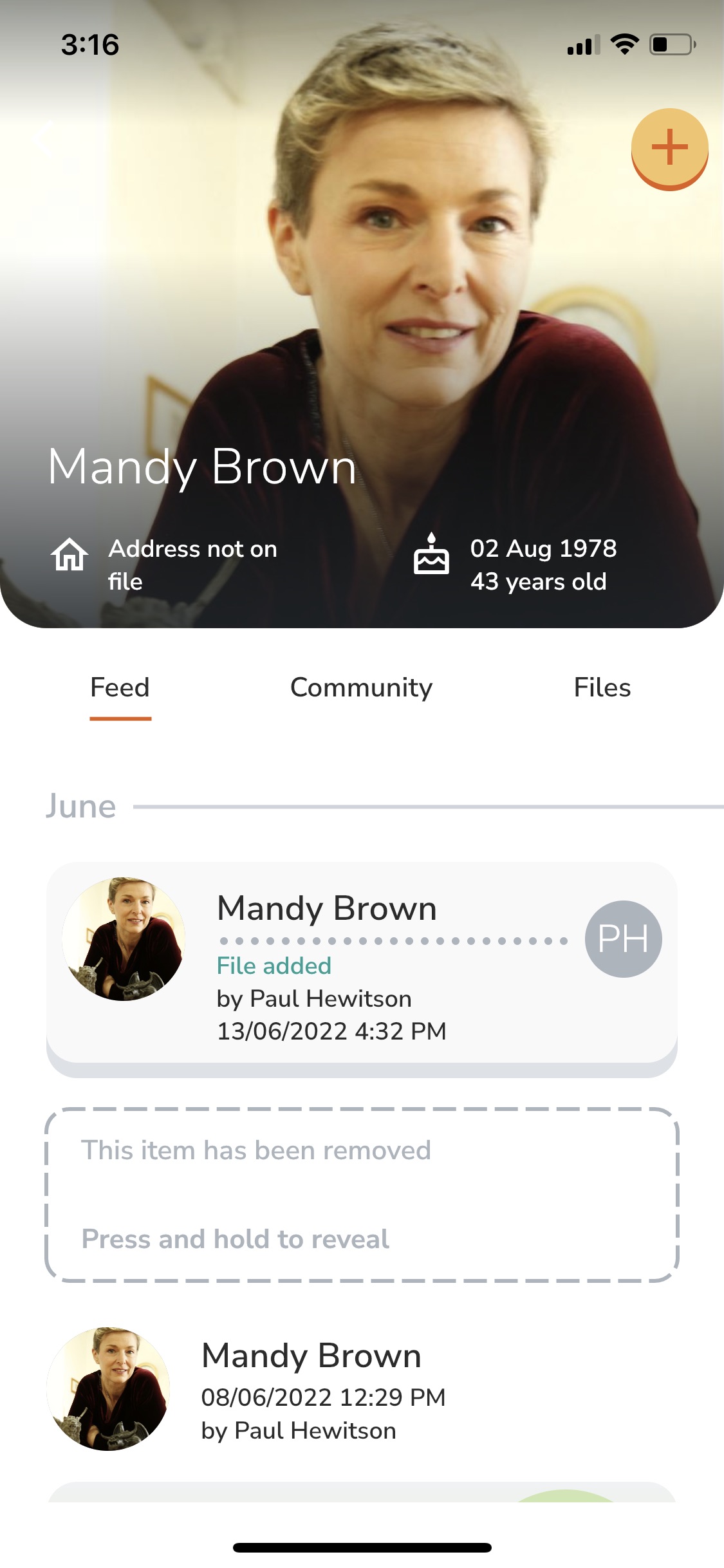
- Here you can see a list of all members of this customer's community.
Web
Navigate to the Customers tab in the left-hand menu.

Search for the customer by name using the Filter search bar, or scroll down the list.

Click into the Customer Profile.
Click on the Community tab.

You’ll see a list of all the CareApp members in that customer’s community.