
CareApp is free to download on any smart device. You can find it on the App Store (iPhone or iPad) or Google Play (Android phone or tablet).
Select your device type below to get started.
Note: You'll need a CareApp account to log in. Don't have one yet? Find out how to get set up.
Apple iPhone & iPad
- Open the App Store on your device.

- Tap the search bar and type CareApp.


- Tap Get next to CareApp.

- Confirm with your Apple ID password or Face ID.
Forgotten Apple Account password? Check out Apple's official guide here.
- Once downloaded, CareApp will appear on your home screen. Tap Open to log in.
.png)
Android Phone or Tablet
- Open the Google Play Store on your device.
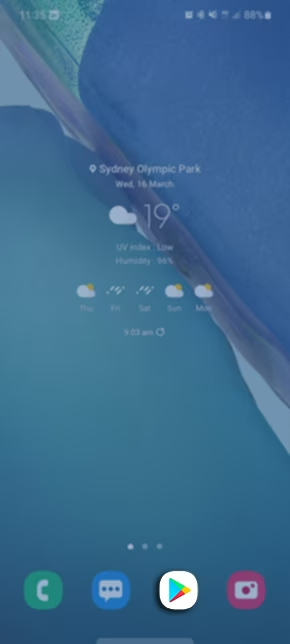
- Tap the search bar and type CareApp.
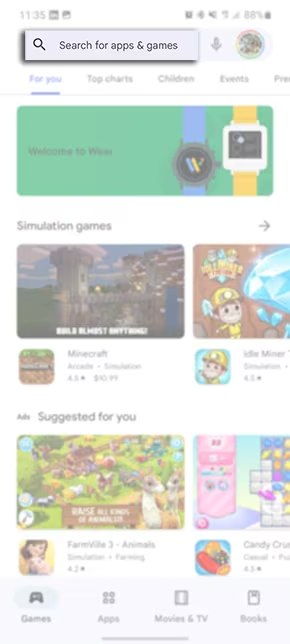
- Tap on CareApp in the results.
- Tap Install.
- Once downloaded, CareApp will appear in your app list. Tap it to log in.

Prefer a full video guide to follow along to?
Check out our step-by-step video guide to learn how to accept your invitation, create your password, log in, download the app, and get started with CareApp!