
Provider Administrators and Site Coordinators can add new Customer profiles to CareApp. Create a profile for each care recipient so you can connect their family members and post updates on their behalf.
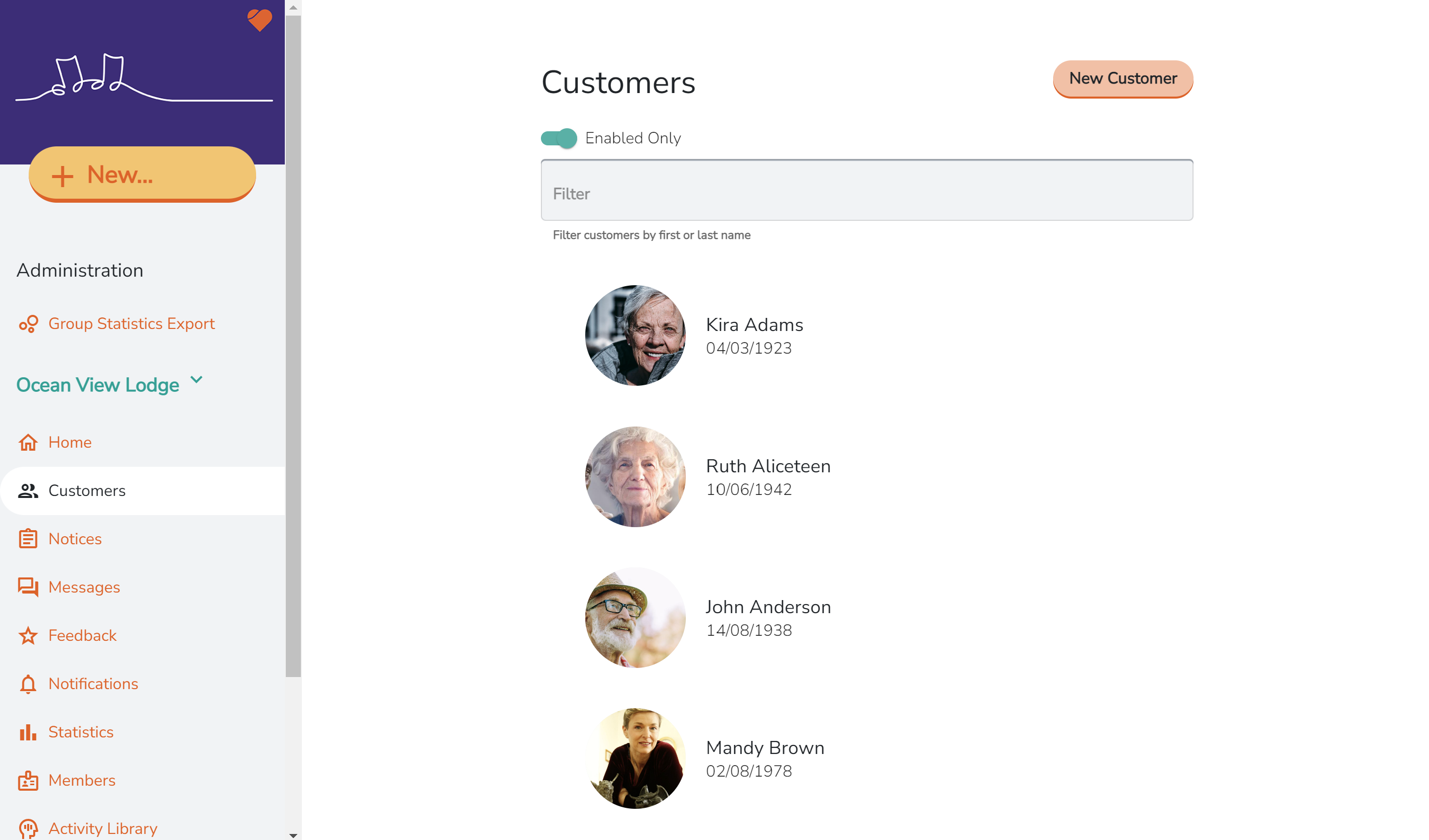
All Customer profiles can be found in the Customers tab on both the web and mobile app.
Before you create a new profile: search the customer's name in the Filter bar in the Customers tab to make sure a profile doesn't already exist. This avoids duplicate profiles.
How to Add a New Customer Profile
Mobile
- Tap the Customers tab.

- Tap New.

- Enter the customer's first and last name.
Optional: adjust the account settings and fill in any additional profile information. - Tap Send in the top right corner.

Web
- Go to the Customers tab in the left menu.

- Click New Customer in the top right corner.
- Enter the customer's first and last name.
Optional: adjust the account settings and fill in any additional profile information.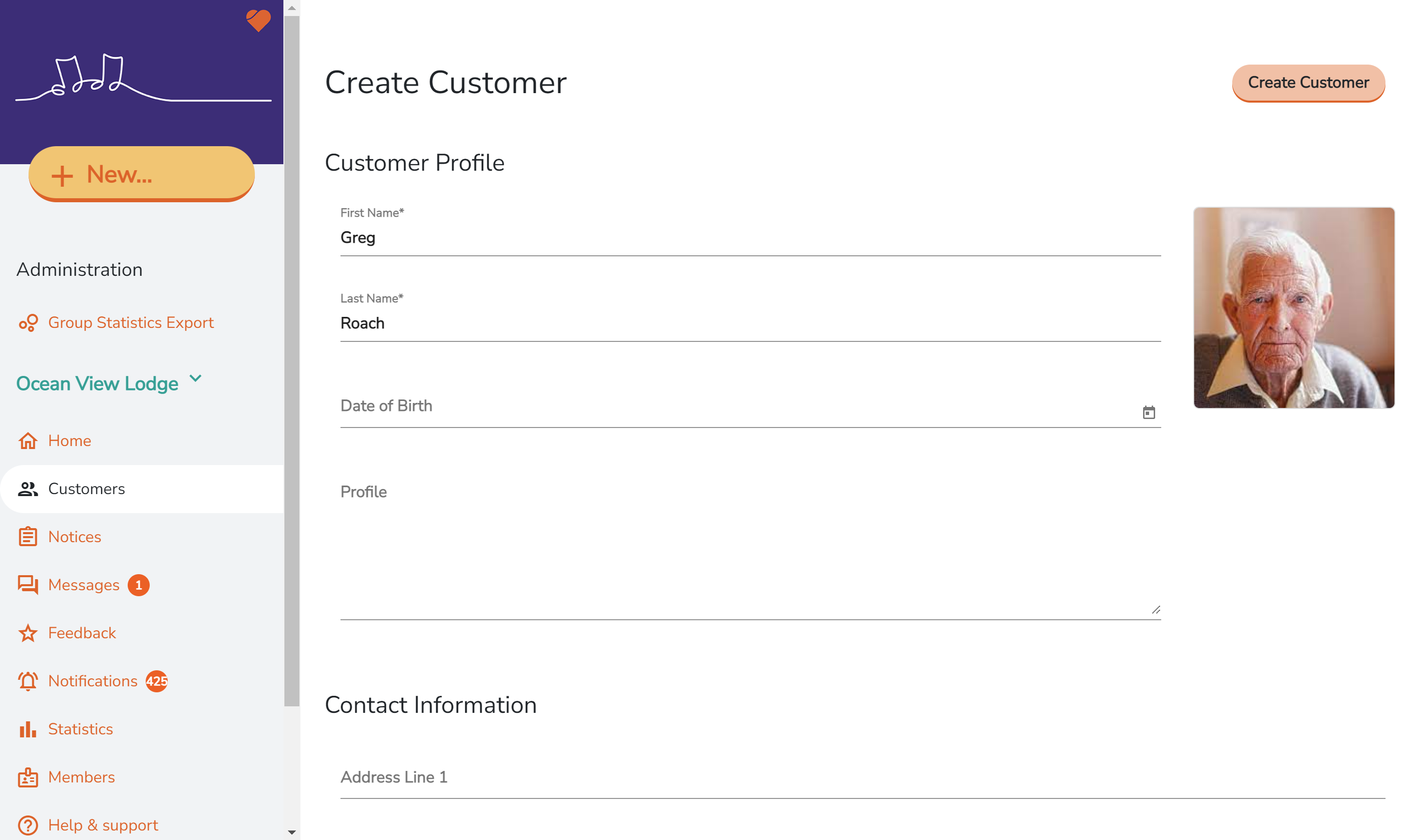
- Click Create Customer.
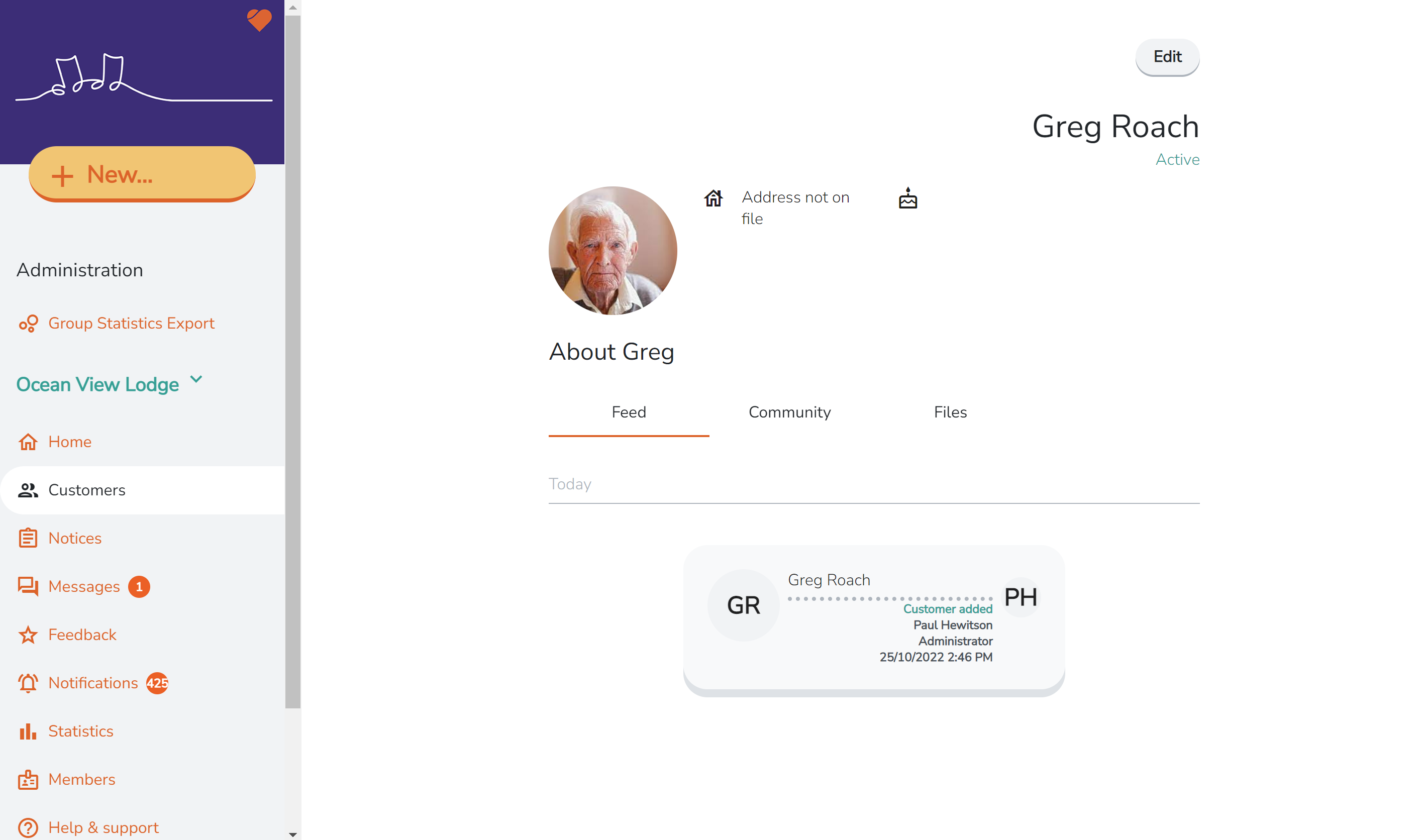
Your new customer profile is ready. You can now add a profile photo, create posts and invite family members to connect. Learn how to invite family